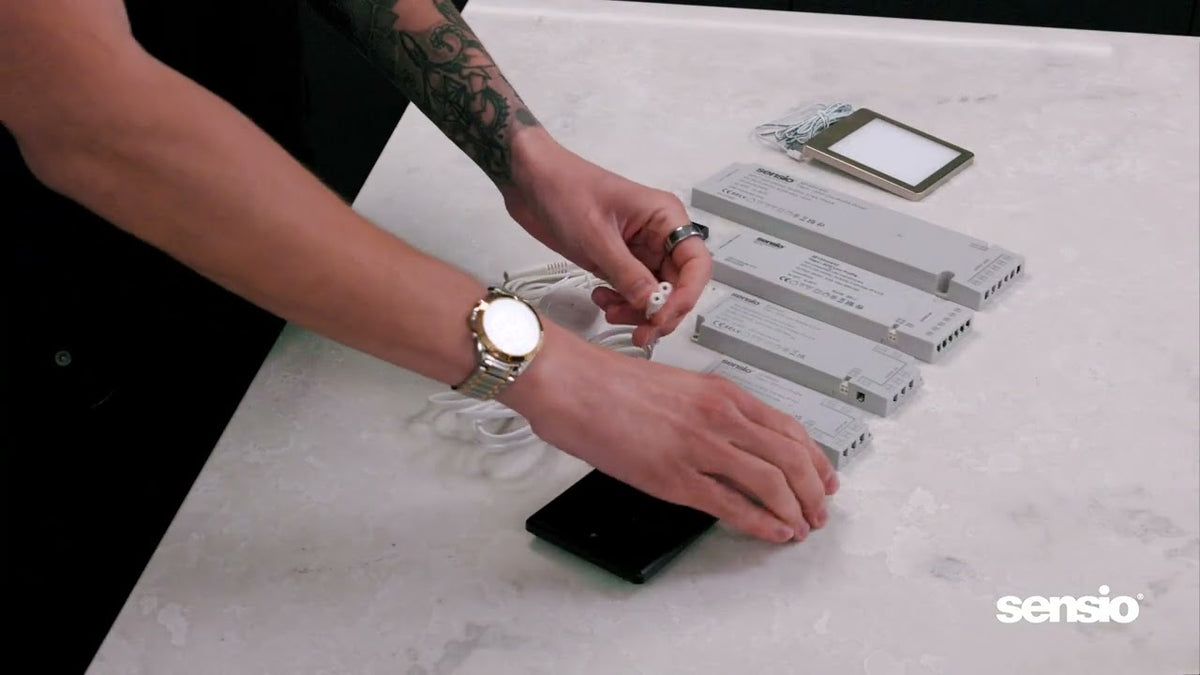

This 9 minute video shows how to pair and control the Titan+ 24V LED driver with the Sensio Universal Remote Control, using single colour, CCT and RGB receivers, and how to set up multi-zone lighting.
In this video
- 00:00 Introduction to remotes and receivers
- 00:56 Why receivers are important
- 01:38 How the receivers work with the Titan+ driver
- 01:57 Single colour receiver pairing and control
- 03:14 CCT receiver pairing and control
- 05:02 RGBCCT receiver pairing and control
- 06:42 Creating lighting zones
- 08:19 Where zones are useful
- 09:06 Wrap-up
Quick answers
Do I need an app to use the Sensio remote?
No. The Universal Remote Control pairs directly with the receivers, with no app or hub needed.
How many lighting zones can one remote control?
Up to 4 zones, so areas such as under cabinet, shelf and display lighting can be switched and dimmed separately.
Which receiver do I need?
A Single Colour Receiver for single colour and TrioTone® lights, a CCT Receiver for colour adjustable lights, and an RGB Receiver for colour changing strip. Each connects to the Titan+ driver.
Can I save lighting scenes?
Yes. The video shows how to save and recall scenes so the same lighting can be set again at the touch of a button.
Products in this video
Watch next

How do you install under cabinet lights in a kitchen?

How do you choose and install a 24V LED driver?

Which LED light sensor do you need for kitchens and wardrobes?
Related guides
- What is an LED driver and how to choose one
- Colour temperature explained
- Guide to Titan smart drivers
- All Sensio video guides
Need help choosing? Get in touch with our team, or find a distributor near you.